 Adyapan
Welcome to Adyapan
Your internship
starts here.
Use your registered email to set up your profile, submit your documents and receive your signed offer letter.
For registered interns
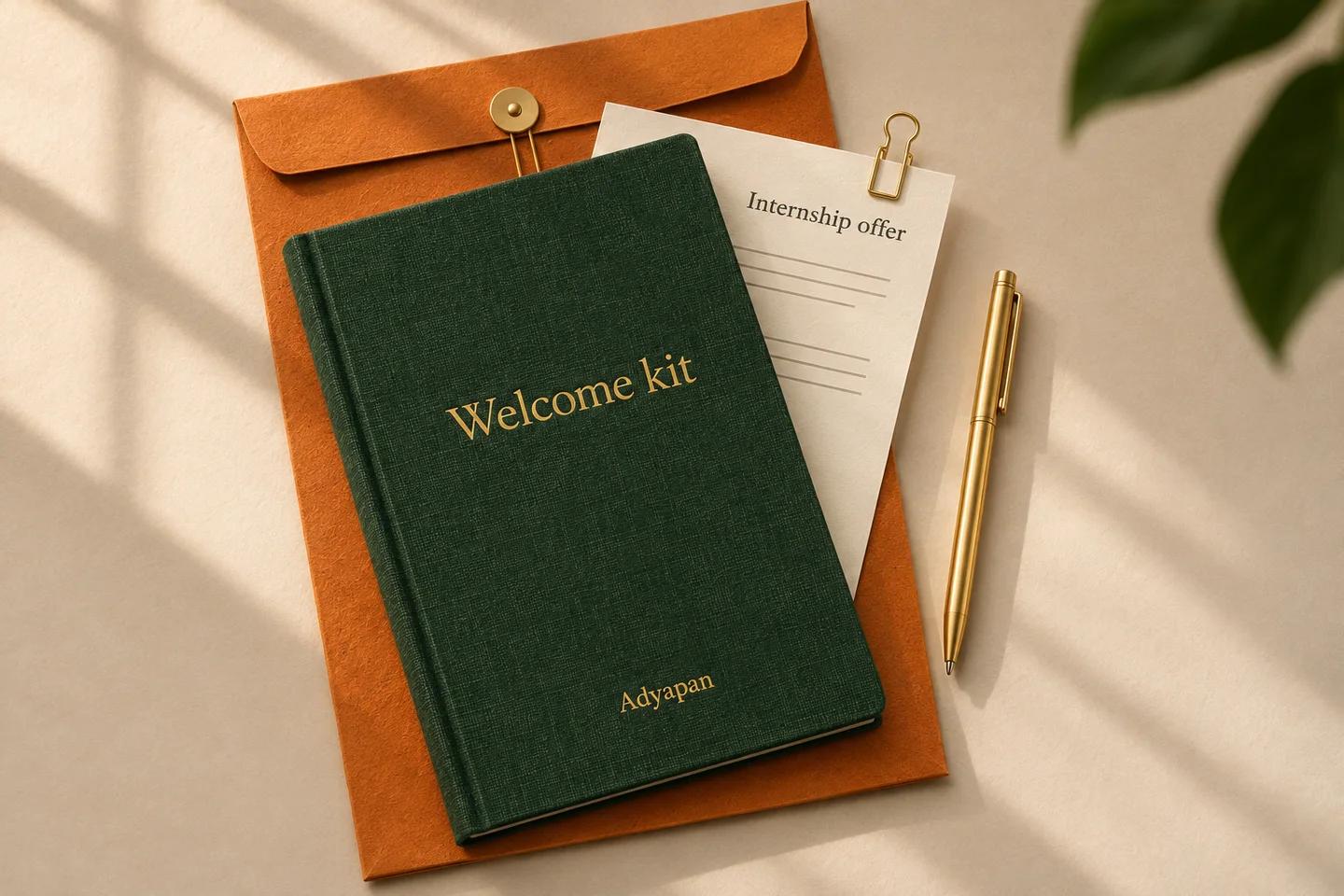
Your onboarding journey
Step 1. Open the onboarding portalUse the shared link or QR code from HR.
Open the shared onboarding link or scan the QR from HR. Enter the email address on the roster.
Step 2. Complete your profileAdd your details and upload your documents.
Start with your personal details and résumé. Then upload your 10th, intermediate and degree or latest semester marksheets, Aadhaar card, PAN card and signed offer letter.
Step 3. Review & signCheck your application and sign your declaration.
You’ll receive a submission reference immediately. Once HR reviews and countersigns your offer, we’ll email you a link to download it.